Keyboard Maestro 8 will save you more time than ever before.
Download Keyboard Maestro 8 for OS X 10.10+ (including Mojave).
Purchase an Upgrade, or Purchase a New License.
(For OS X 10.9 and older, download an old version)
Winner of a Macworld Editors’ Choice Award!
Whether you are a power user or a just getting started, your time is precious. So why waste it when Keyboard Maestro can help improve almost every aspect of using your Mac. Even the simplest things, like typing your email address, or going to Gmail or Facebook, launching Pages, or duplicating a line, all take time and add frustration. Let Keyboard Maestro help make your Mac life more pleasant and efficient.
New Assistance system solves problems with triggering macros, and enhanced search in the Help menu takes you straight to the documentation.
Keyboard Maestro learns which actions, tokens, functions or macros you wish to trigger or select by name to allow you to select them more quickly.
New comprehensive MIDI support allows triggering by Control Change, SysEx or HUI protocol packets. Send MIDI packets in any format, including calculated values.
Trigger your macros with gestures, remotely from across the net, when you plug in headphones, or after your Mac is idle. Use the Cron trigger to trigger at calendar times.
Basic Touch Bar support in the editor, Conflict Palettes can optionally appear in the Touch Bar, and a specific action to get a selection from the Touch Bar.
Prompt for a list selection, a file or folder, a selection from the Touch Bar or from a set of macros.
Use the new Send SMS and Send iMessage actions to send messages to yourself or others in your contacts list.
Download text or images from remote web sites as part of your macro automation, or trigger remote activities or remote macros.
Drag Macros and Macro Groups, as well as files, into action lists to create actions like Open File or Enable Macro easily.
The editor now has full OSA (Open Scripting Architecture) support for accessing and modifying Macro Groups, Macros and actions, opening up whole new forms of meta-programming.
Detect common mistakes in actions (eg Open File on an Application, or String matching that looks like a regex) and alert you.
A new badge on text fields indicates what kind of text it expects (tokens, variables, or calculations).
The web browser actions now support selecting items using XPath, allowing control of even more web pages.
Target browser actions at the most recently front instance of Safari or Google Chrome (other browsers lack the necessary AppleScript support).
Reduce clutter in the editor by hiding disabled groups as a single group item - double click to reveal all the disabled groups.
Enclose a set of actions within a newly created group (Group, Repeat, While, etc) action. Or remove them from the group action.
New modern combined appearance for Clipboard History and Named Clipboard switcher window, supporting dragging and showing additional information.
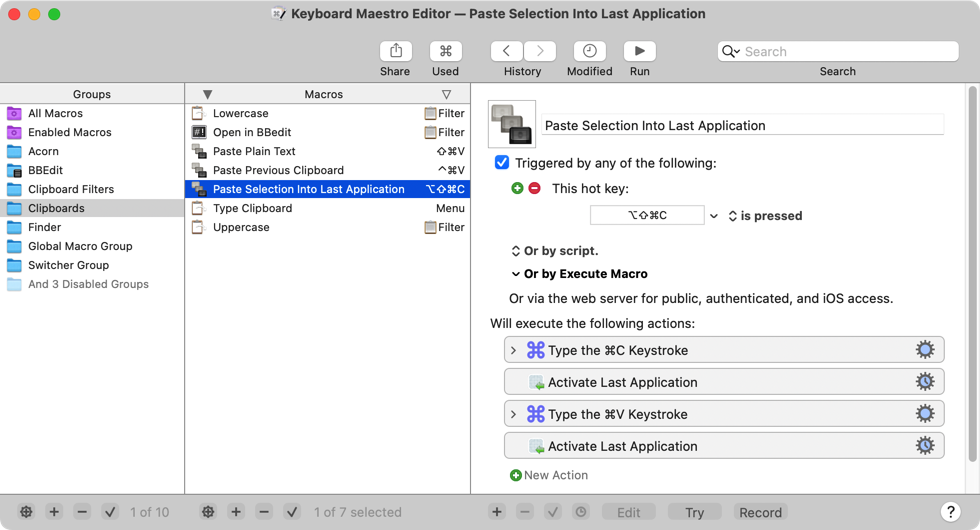
Macros triggered directly from the clipboard switcher allow you to apply arbitrary transformations to clipboard history items.
Use permanently saved dictionaries (hash tables) to store and lookup structured data. Iterate through dictionaries and keys with full AppleScript support.
New support for macro and execution-instance local variables ensures seamless control when running multiple simultaneous macros without conflicts between them.
New text size options allow increased text size across the editor and clipboard switchers for improved accessibility.
Exclude applications from the clipboard system, so applications with sensitive or large clipboards are not automatically recorded.
Press a command key, and then type in part of the name of a token to see a list of possibilities. Same for actions, functions and variables. With so many available this can save a lot of time.
With over a hundred new features or improvements, you’re sure to find exciting new possibilities for your work.
Keyboard Maestro keeps a complete history of your clipboards, so you’ll never lose your clipboard again. Copy three things, then paste them all into another application.
Each trigger, action, token, function, condition and collection links directly to the wiki. Option select from the insertion menus to go directly to help for that item. Use the gear icon to call up the help you need.
Launch any application at the touch of a key. Show applications, hide them, force quit them, bring them to the front, all at your command.
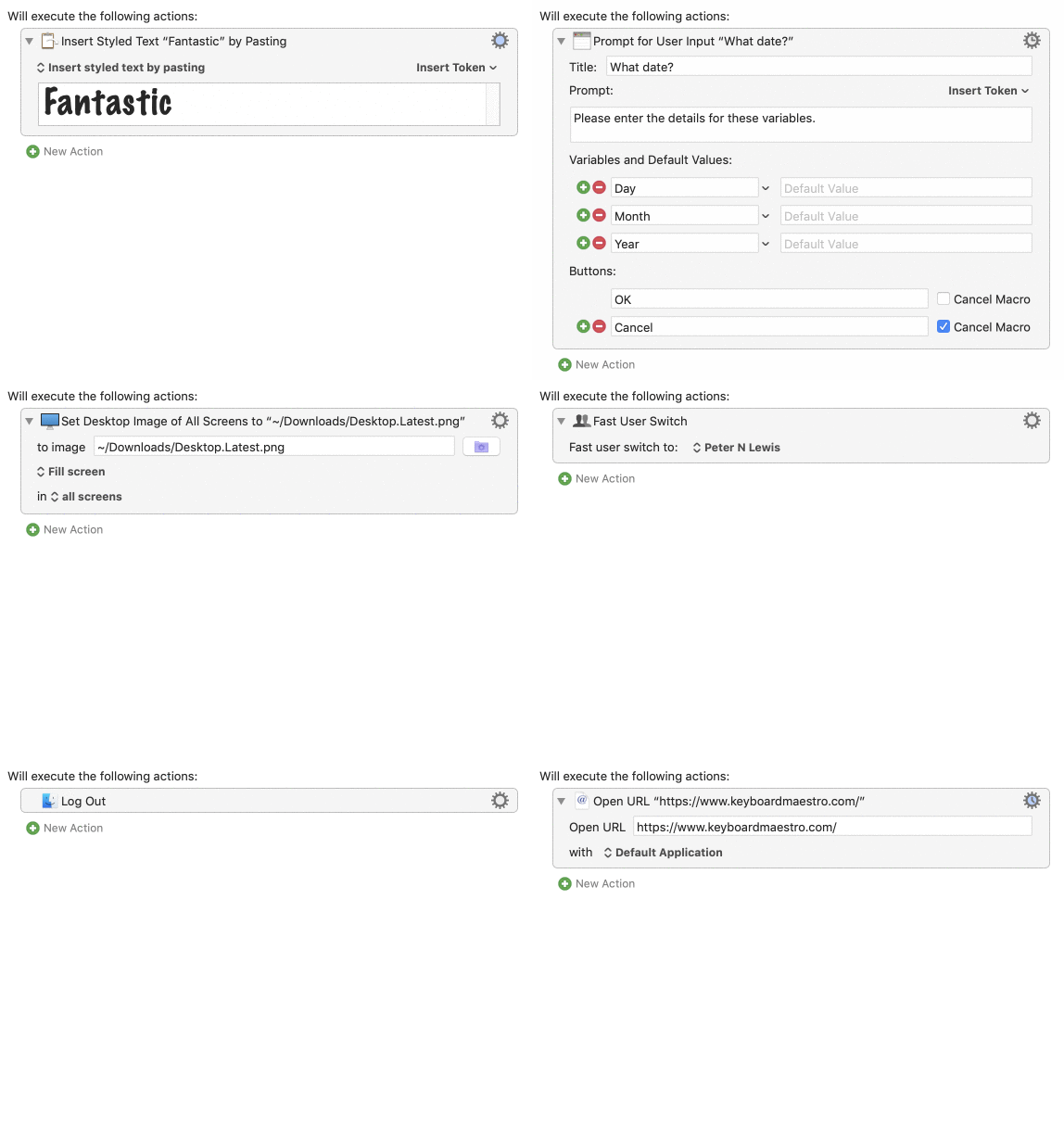
Insert any kind of text using a Typed String or Hot Key trigger. Type the text or paste in styled text or images. Expand text to insert your name, address, logo, signature, whatever.
Move, click, double click and drag, any button, optionally with modifiers anywhere on the screen or in a window, and more.
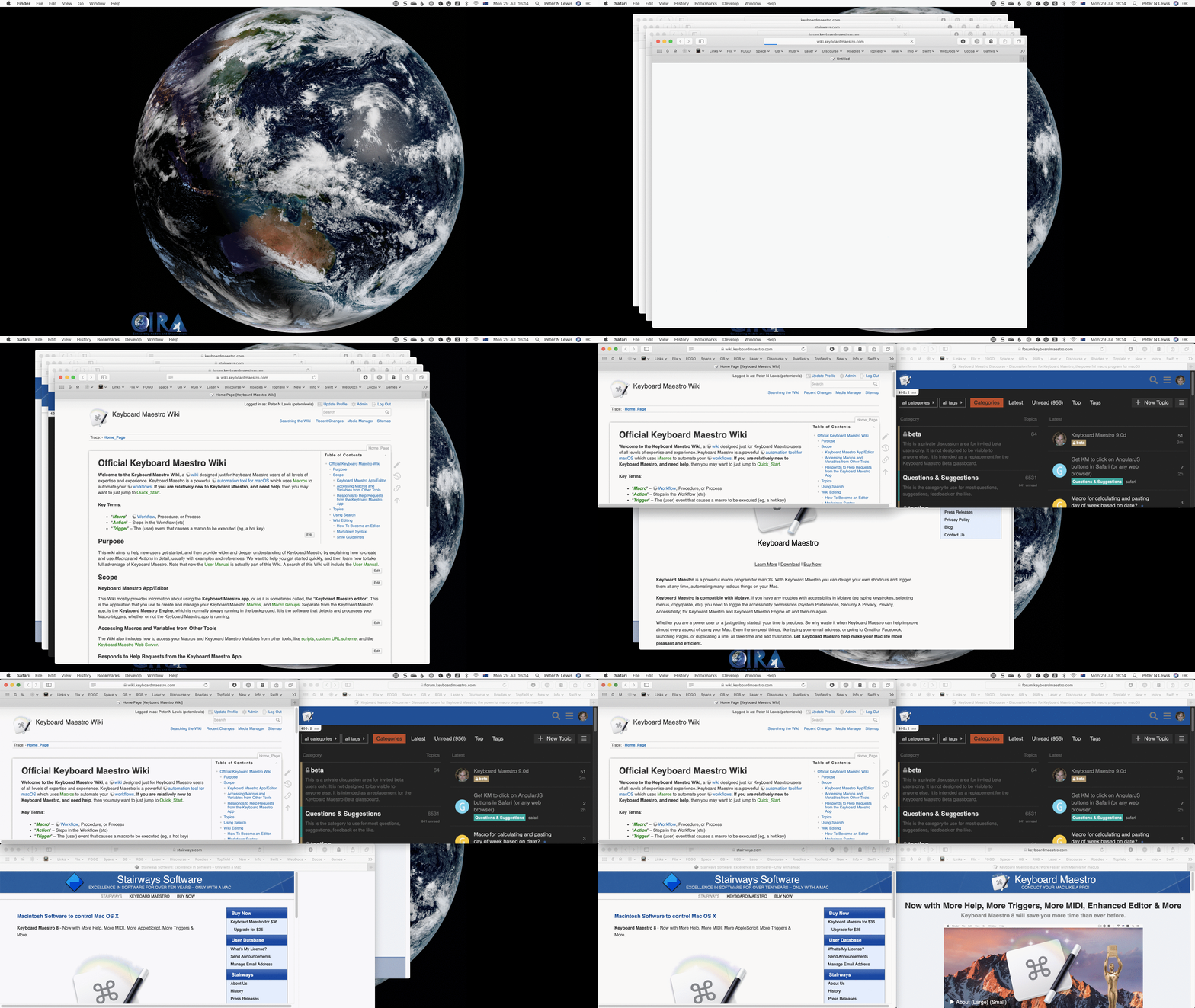
Resize, reposition, bring to front, close, zoom, minimize and more. Position windows exactly where you want them.
Press a button, select a menu, and now you can show a menu leaving it open for you to select the desired item.
Play a specific song or playlist, play, pause or stop, rewind or fast forward, set the rating or the volume. And similarly for QuickTime Player.
The Share button on the toolbar lets you easily share macros to the Forum, or via messages, email and more.
Use all sorts of expressive tokens like today's date in any format, window positions, wireless networks, Safari document URL and much more.
The Macro Inspector window tells you when you created, modified or last used a macro. You can also see how many times you’ve used it and how much time it has saved you.
With a dozen presets, the ability to set how many columns and how they sort, your Keyboard Maestro palettes will always look just the way you want them.
Display macros in palettes (like toolbars) so you can easily select from a number of options. Make your own custom interfaces.
Show Keyboard Maestro how to do something. You can also record Quick Macros on the fly for immediate playback.
Open a file, folder, application, URL, system preference pane, the current Finder selection or even the CD tray.
Keyboard Maestro can show notifications, display alerts, prompt for extra information, beep, speak, or play a sound.
Execute AppleScripts, or shell scripts like perl, python or ruby. Execute Automator workflows, or filter your clipboard with BBEdit Text Factories.
Use While or Until loops, For Each loops, Repeat loops, If Then Else conditionals, Switch statements, Pause Until and other powerful constructs.
Move, copy, rename, trash, delete files. Read and write images and styled text in a variety of formats.
Screen capture, find an image on the screen, flip, rotate, resize, trim, crop images and even draw shapes and text.